Store › TradingView Indicators › Breakout Fusion Pro
About this product
Breakout Fusion Pro is a TradingView indicator (Pine Script v6) by TradeLytics Cloud. Two breakout engines in one: trendline breaks and ATR trend breakouts, scored together. You receive the full source code and an illustrated PDF guide, with lifetime access and no subscription. It works on free TradingView accounts.
Two ways to catch a breakout, on one chart
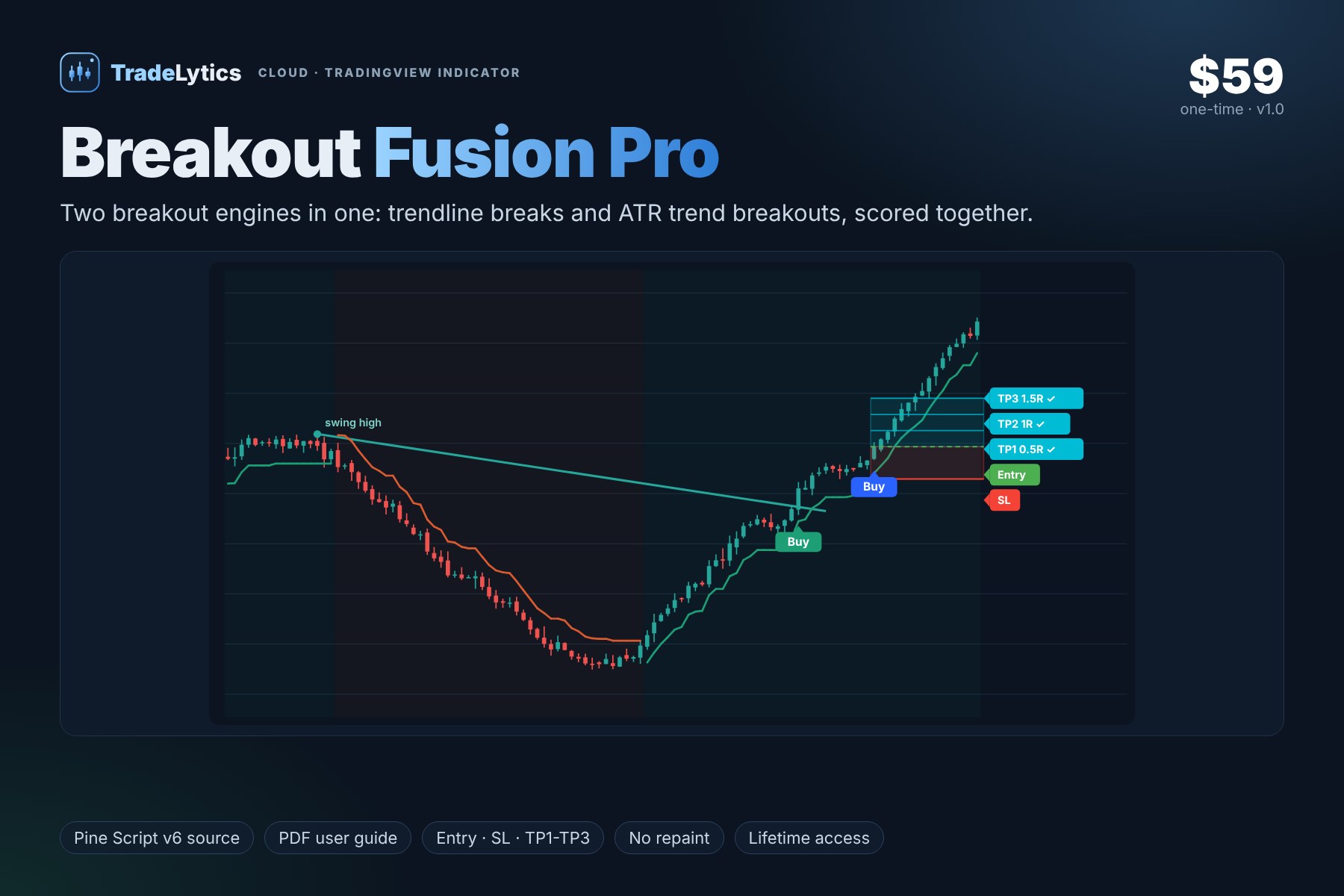
Entry 1, trendline break. Self-drawing trendlines start at each confirmed swing (default 12 bars) and slope at a rate set by volatility (ATR or standard deviation). A close through the active line is a trendline break.
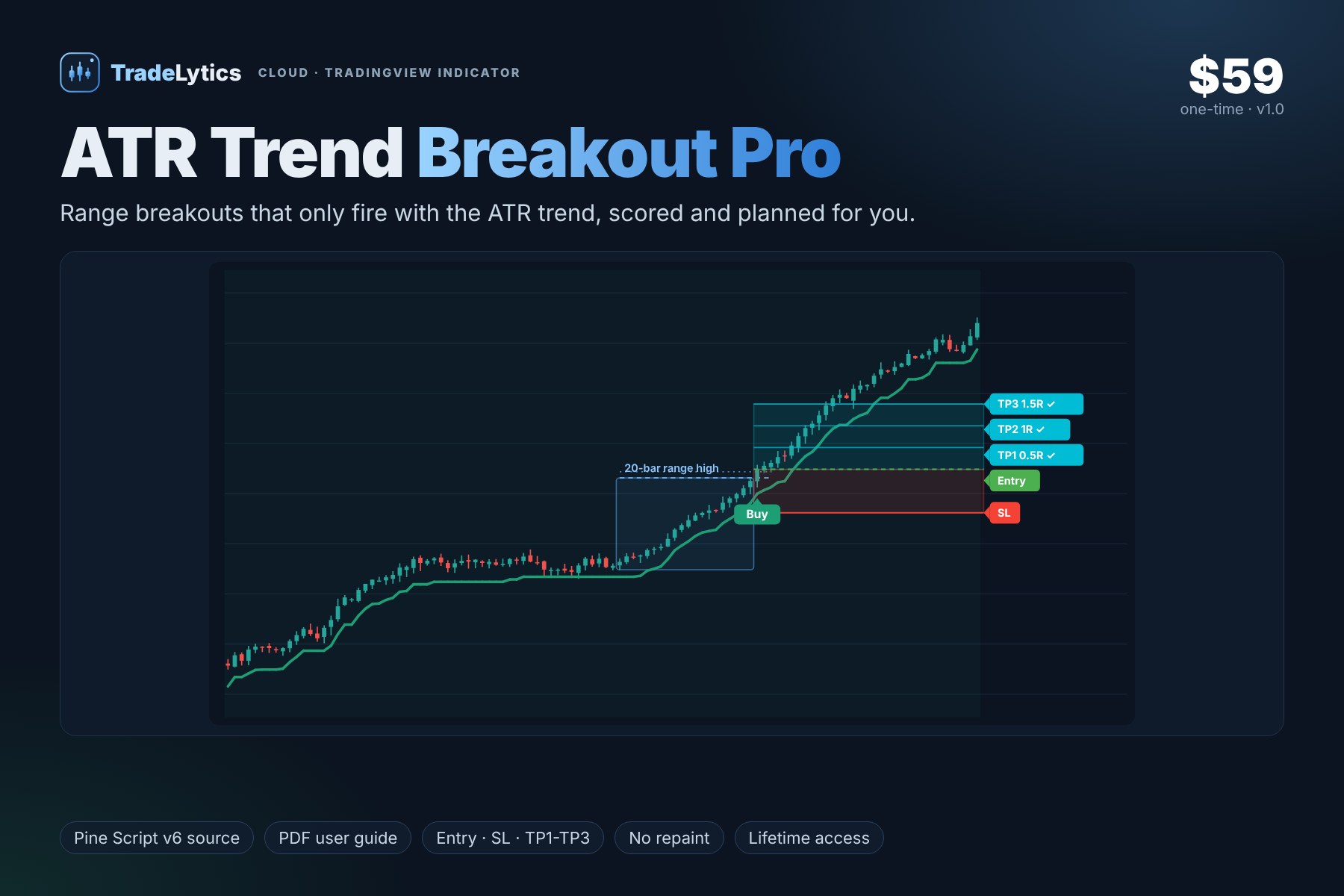
Entry 2, ATR trend breakout. An ATR trailing stop (14 x 2.0) sets the trend. A close beyond the 20-bar high or low plus a 0.5 x ATR buffer, in the trend's direction, is a trend breakout.
Colour-coded tags. Tags are coloured by the engine that fired: one colour for trendline breaks, another for ATR breakouts, and a third when both fire on the same bar (the strongest agreement).
Shared score and plan. Both engines feed the same 7-point score. If a signal reaches your minimum (default 5) its tag appears with Entry, structural stop and targets, and the SIGNAL row tracks the latest trade. Switch either engine off in Signal Engines.
Every signal comes with a trade plan
- Entry at the close of the signal bar.
- Stop-loss at the most recent confirmed swing low or high, never closer than 0.5 x ATR.
- TP1, TP2, TP3 spaced evenly so the last target equals your Reward:Risk (default 1.5R). Choose 1, 2 or 3 targets.
- A tick appears on each target that is reached and a cross on the stop if it is hit.
What is included
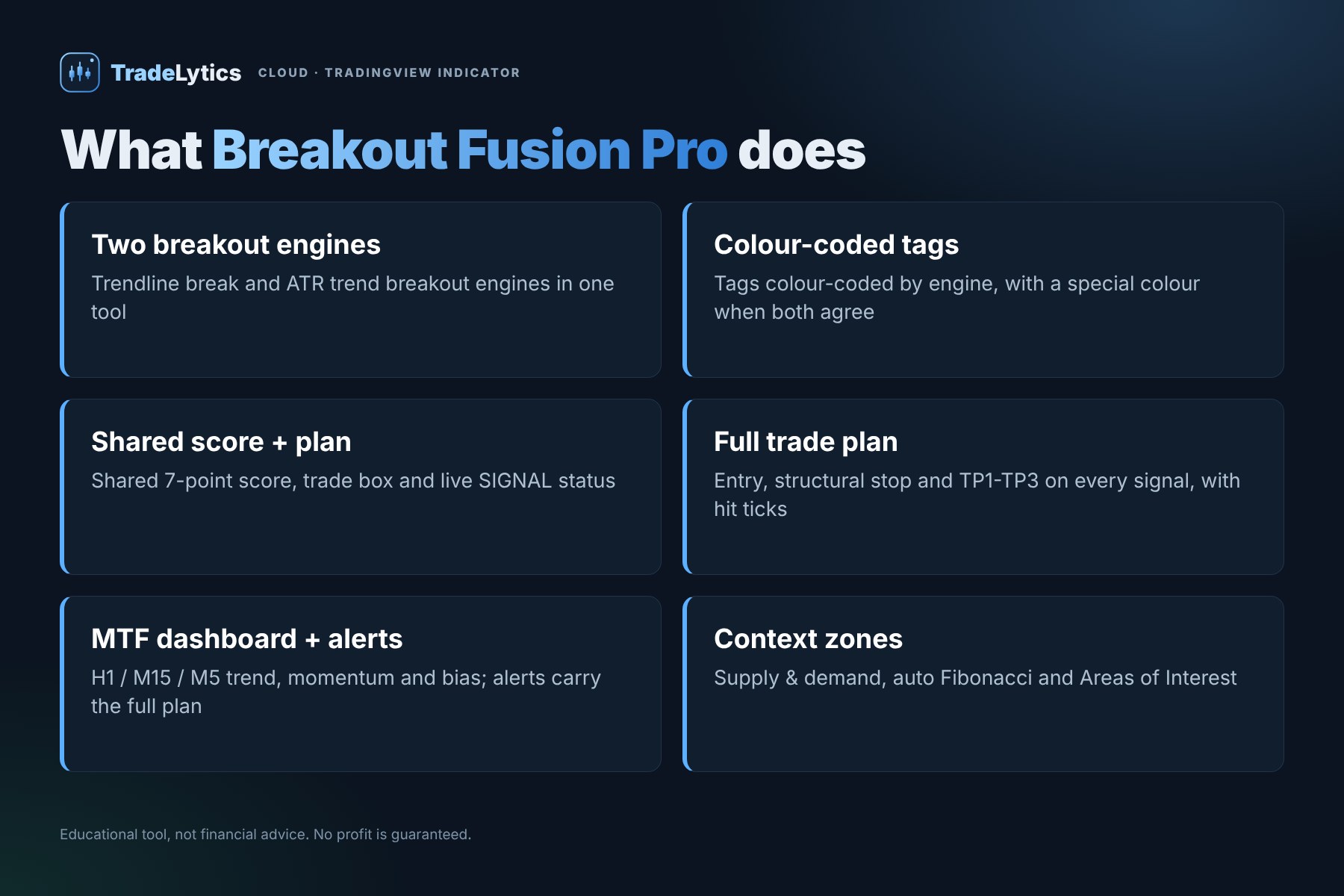
- Trendline break and ATR trend breakout engines in one tool
- Tags colour-coded by engine, with a special colour when both agree
- Shared 7-point score, trade box and live SIGNAL status
- 7-point quality score: core signal, higher-timeframe trend, pullback, momentum and volatility
- Optional filters: ADX, ATR percentile, volume, wide-candle and multi-timeframe bias
- Supply and demand zones, auto Fibonacci levels and Areas of Interest
- Multi-timeframe dashboard (H1, M15, M5): trend, momentum and overall bias
- Signals confirmed on bar close, no repainting
- Alerts with the full plan: direction, Entry, SL and every active target
At a glance
| Platform | TradingView, Pine Script v6 (free or paid plan) |
| Markets | Forex, gold and metals, indices, stocks, futures, crypto |
| Timeframes | Any |
| Best for | Breakout traders who want two independent confirmations and can see at a glance which engine fired. |
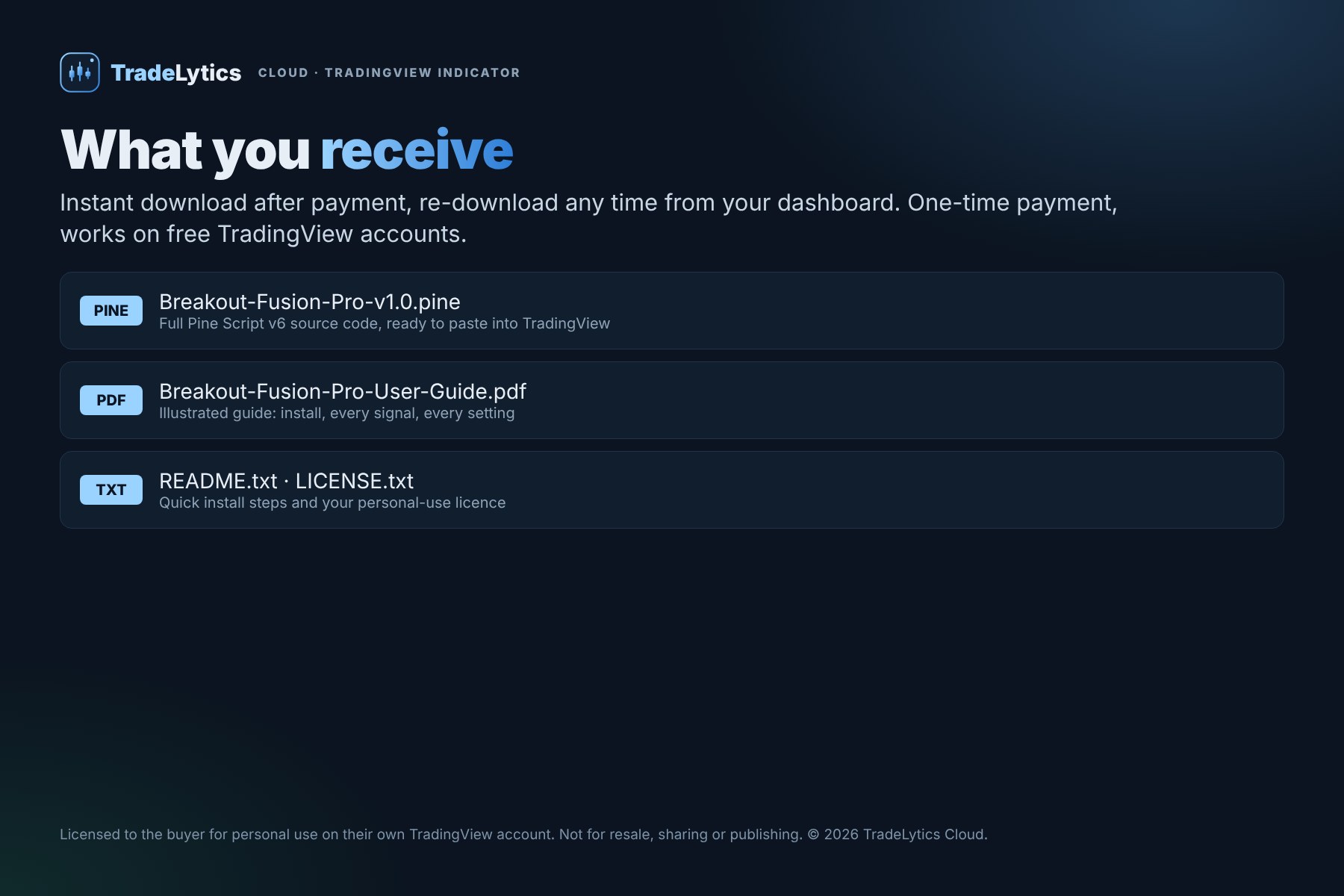
| You receive | Breakout-Fusion-Pro-v1.0.pine, an illustrated PDF user guide, README and licence |
| Version | v1.0 |
Licence
Single-user licence for the verified buyer: use it on your own TradingView account and for personal reference and education. Reselling, sharing, publishing (on TradingView or anywhere else) or redistributing the code, in whole or in part, is not permitted without written permission from TradeLytics Cloud. Unauthorised copying or resale infringes our copyright and may lead to licence termination and legal action.
Educational tool, not financial advice. Trading involves a high level of risk and may result in the loss of your capital. No profit is guaranteed, and past or simulated results do not predict future results. Chart images are illustrations, not trading results.
Install in two minutes
- Download your files from the order page and open
Breakout-Fusion-Pro-v1.0.pinein any text editor. Select all and copy. - On TradingView open a chart, then the Pine Editor (bottom panel).
- Delete the sample code and paste. The first line must read
//@version=6. - Click Save, name it Breakout Fusion Pro, then Add to chart.
- For alerts with the full plan: Add alert, choose the indicator and Any alert() function call.
Never click Publish script: saving keeps it private to your account. The PDF guide explains every setting.
What's new
v1.0 2026-11-06
First commercial release (v1.0). Full Pine Script v6 source code and illustrated PDF user guide.